
How Do Security Systems Connect Cameras and Alarms at Home?
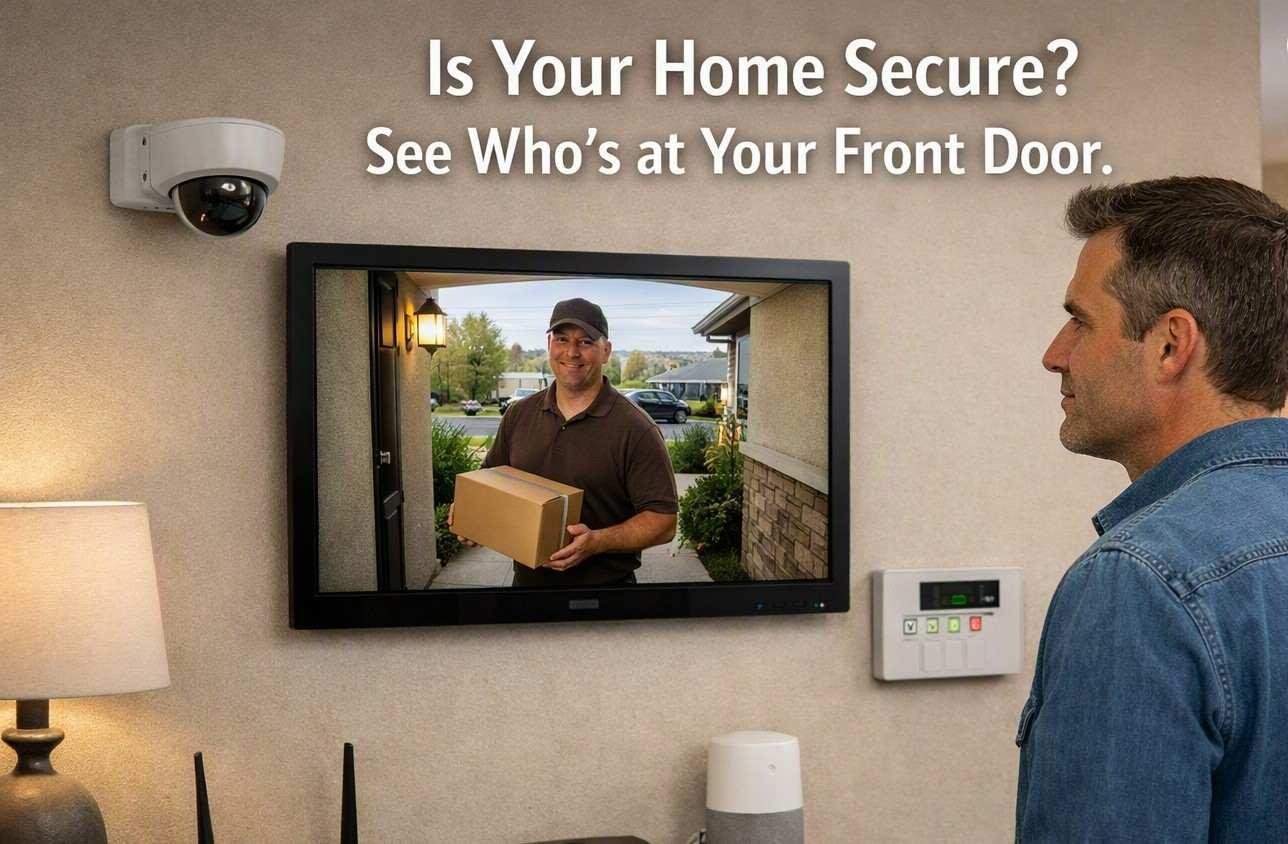
Security systems can connect cameras, alarms, sensors, and other devices so they can work together as one setup. Instead of each device working on its own, connected equipment can share information through a central control unit or network. This makes it easier to detect activity, view cameras, and receive alerts when something unusual happens.
How Cameras and Alarms Work Together
A security camera mainly records or displays what is happening in a particular area. An alarm system, on the other hand, is designed to alert people when a sensor detects a specific event. When these devices are connected, information from one device can be used by another.
For example, a door sensor may detect that a door has been opened. The security system can then send an alert and, depending on how the setup is configured, activate nearby cameras to record the area. This gives the user both an alert and visual information about what happened.
The Role of Sensors
Sensors are an important part of a connected security setup. Different sensors are used for different purposes. Door and window sensors can detect opening and closing. Motion sensors can detect movement in selected areas. Glass-break sensors can respond to the sound or vibration associated with broken glass.
When a sensor detects activity, it sends information to the control system. The control system decides what action should take place based on the settings. This may include sending an alert, activating an alarm, or starting a camera recording.
How the Control Panel Connects Devices
The control panel or central controller acts as a communication point between different security devices. It receives information from sensors and can send instructions to other connected equipment.
Depending on the system, devices may communicate through wired connections, Wi-Fi, Ethernet, or other wireless technologies. A wired connection can provide a stable link between fixed devices, while wireless connections can make installation easier in some buildings.
The communication method depends on the type of equipment, building layout, network conditions, and system design.
What Happens When Motion Is Detected?
Consider a simple example. A motion sensor is installed in a hallway. When movement is detected, the sensor sends a signal to the control system.
If the system is configured to use a nearby camera, the camera may begin recording or send its existing video feed to the user. At the same time, the alarm system may send a notification or trigger an alarm, depending on the selected settings.
This process happens quickly because the connected devices are communicating through the same system.
How Cameras Provide More Information
An alarm can tell someone that an event has occurred, but it may not show what caused the event. A camera can provide additional visual information.
For instance, a motion sensor might detect movement near an entrance. The camera can help show whether the movement came from a person, an animal, or another source. This can make alerts easier to understand.
Some modern cameras can also provide features such as motion zones, night recording, and activity detection. These features can reduce unnecessary alerts when they are configured correctly.
Wired and Wireless Connections
Security devices can be connected using wired or wireless methods. Wired cameras and sensors generally use physical cables to communicate with the central equipment or network. They can be useful where stable connections are important.
Wireless devices communicate through a wireless network or another supported connection method. They can be useful when running cables is difficult or when the building layout may change.
Both approaches have different installation requirements. The choice should consider the distance between devices, available network coverage, power supply, and the building structure.
Why Network Quality Matters
Connected cameras and alarms often depend on a reliable communication network. If cameras send video over a network, they need enough bandwidth to transmit the video properly.
A weak wireless signal can cause delays or interruptions. Network congestion can also affect the speed at which alerts or video are received.
For this reason, the location of network equipment and cameras should be considered during system planning. Large buildings may require additional network equipment to provide reliable coverage.
What Happens During a Power or Internet Failure?
Power and internet connections are two different things. A system may continue working locally even if the internet connection is unavailable, depending on its design.
For example, some alarms can communicate with local sensors and activate a siren without internet access. However, remote notifications or cloud-based video access may not work until the internet connection returns.
Backup power can also help certain security equipment continue operating during a power interruption. The actual response depends on the equipment and how the system has been configured.
How Alerts and Camera Video Work Together
A connected setup can combine different types of information. A sensor can identify an event, the control system can process that information, and a camera can provide video related to the event.
This creates a more complete view of what is happening. Instead of receiving only an alarm notification, the user may also be able to check the related camera footage.
The exact features depend on the equipment, communication method, software, and settings used in the security setup.
Understanding how Security systems connect cameras and alarms helps property owners see how different devices can share information. Sensors can detect activity, cameras can provide visual details, and alarms can notify people about selected events. When these parts are properly connected and configured, they can work together as a coordinated security setup.

 English
 Arabic
 French
 Spanish
 Deutsch
 Turkish
 Dutch
Dutch
 Italiano
 Russian
 Romaian
 Portuguese (Brazil)
 Greek
Greek