
How to Build an Arabic-English Bilingual Mobile App for the UAE Market
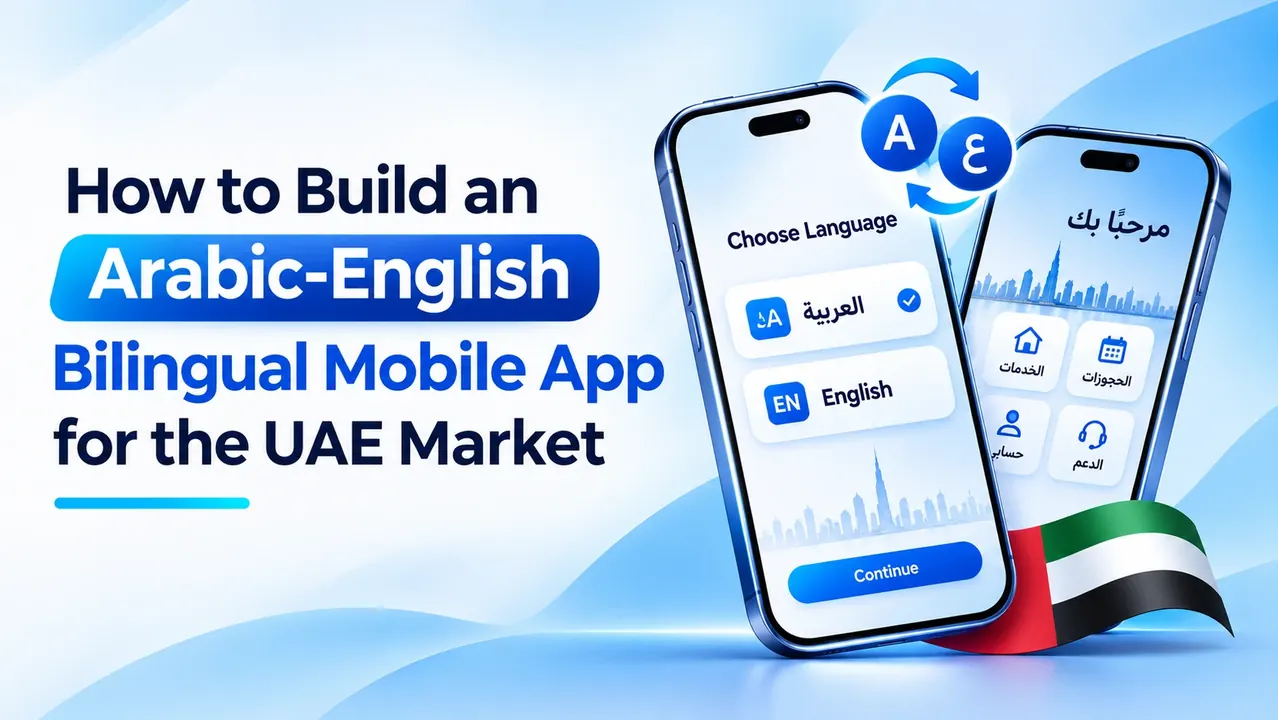
A bilingual mobile app for the UAE should allow customers to use the product comfortably in Arabic or English. This requires more than translating buttons. Language affects navigation, layout direction, search, forms, notifications, support content and the way information is understood. If Arabic is added only after the English app is complete, teams may need to rebuild screens and redesign components. Localisation should therefore be planned during discovery.
Plan language requirements
Identify the journeys and content that must be available in each language. Decide whether the app should follow the device language on first launch or ask the user to choose. Always provide an accessible language switch and be transparent if a particular feature is not yet available in both languages.
Create a terminology guide for product names, navigation, errors, legal text and support language. Assign reviewers who understand the intended audience, not just literal translation.
Designing right-to-left interfaces
Arabic requires a genuine right-to-left layout. Navigation order, alignment, progress indicators and reading flow may change. Do not mirror every icon automatically: play controls, logos and universal symbols may need to remain as they are.
Use reusable layout components that support direction changes. Test long Arabic labels, multi-line headings, mixed Arabic-English content, numerals and punctuation. Forms should keep phone numbers, email addresses and URLs readable. Choose Arabic and Latin fonts that work together in weight, line height and visual tone.
Localisation beyond translation
Localisation can include date and time formats, currency, address fields, phone-number input, local terminology and customer-support expectations. For UAE products, confirm how prices, fees and taxes should be displayed. Checkout should explain charges before confirmation.
Search also needs attention. Users may enter Arabic words with or without diacritics or use transliterations. Search indexing can normalise text and support synonyms, but native speakers should test real queries and expected results.
For a broader view of the UAE market and product-planning considerations, see this mobile app development guide for Dubai.
Technical implementation
Use a localisation framework that separates interface strings from application logic. Store translations in managed resource files or a content system rather than embedding visible text directly in code. Support plural forms, variable interpolation and language-specific formatting.
The backend should return structured content that can be rendered in the selected language. Content models may need separate Arabic and English fields, translation status and reviewer information. Machine translation can support internal workflows, but legal, financial, healthcare and other high-impact content should receive qualified human review.
Notifications, email templates, receipts and help content should follow the user's language preference. Keep preferences synchronised across devices where the account model supports it.
Accessibility and quality assurance
Test with people comfortable in both languages. Review screen-reader labels, focus order, contrast, font scaling and error recovery. Build a test matrix covering screen sizes, long text, mixed scripts, numbers, forms, notifications and deep links. Changing language should not erase entered information or restart a task unnecessarily.
For teams planning a bilingual product, broader information about mobile app development.
The UAE's digital-service environment includes requirements concerning language and accessibility for covered services. Dubai Law No. 9 of 2022 regulates the provision of digital services in the emirate. Businesses should confirm whether and how the law applies to their service with qualified advisers.
Content governance
Assign an owner to each language version. When a feature changes, update both versions together. Monitor feedback, search terms, support tickets and task completion by language. A high abandonment rate may indicate a layout or workflow issue rather than a translation problem.
Conclusion
Arabic-first quality assurance
Arabic quality assurance should involve native speakers who understand the audience and context, not only reviewers checking spelling. Modern Standard Arabic may suit formal information, while some consumer products benefit from familiar regional wording. The appropriate choice depends on the service, audience and brand. A bilingual glossary can keep product names, financial terms, healthcare language and navigation labels consistent across screens and support content.
Right-to-left layout testing should include mixed Arabic and English strings, phone numbers, email addresses, URLs, dates, prices and punctuation. These elements can display in unexpected order when bidirectional text is not handled correctly. Forms should preserve entered values when a user changes language, and validation messages should appear in the selected language. Icons should be mirrored only when their direction carries meaning; universal symbols such as play or search may not need mirroring.
Search and analytics also need bilingual treatment. A user may search in Arabic script, use a Latin transliteration or enter a brand name in English. Search normalisation and synonym support can improve discovery, but should be tested against real queries. Track task completion and search failure separately by language where privacy and analytics policies permit. This helps teams identify whether a problem comes from translation, navigation, content availability or the underlying workflow.
A bilingual app succeeds when Arabic and English are treated as equal product experiences. Plan RTL design, localisation, content governance and native-speaker testing from the beginning.

 English
 Arabic
 French
 Spanish
 Portuguese
 Deutsch
 Turkish
 Dutch
 Italiano
 Russian
 Portuguese (Brazil)
 Greek